Pick a plan for your practice, then pick how it looks.
A plan is the set of pages we build for your kind of practice, and a look is how those pages are designed. Any look works with any plan, so a dentist who likes a design shown for a vet clinic can have it.
Every sample here is a working site you can open on your phone.
13 plans and 33 looks are live today.
How to choose
- Find your plan. Pick the card closest to how your practice works. Family dentistry and orthodontics, for example, get different pages.
- Open the live samples. Each look has its own working site. Open it on your phone too; most of your patients will.
- Tell your CliniDesign contact the code. Each look has a short code, such as dental-family/porch. That code is all we need to start. No contact yet? Ask CliniDesign for a free preview.
Your site shares its plan and design with these samples. Its words come from an intake call with your doctors, and it uses your own photos, hours and services.
Plans by kind of practice
-
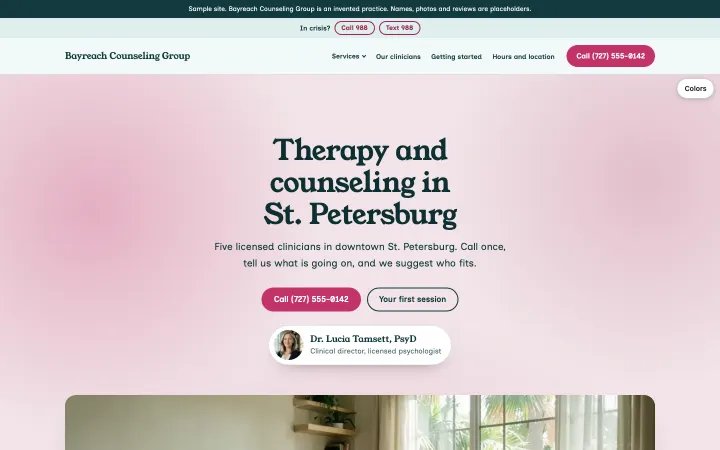
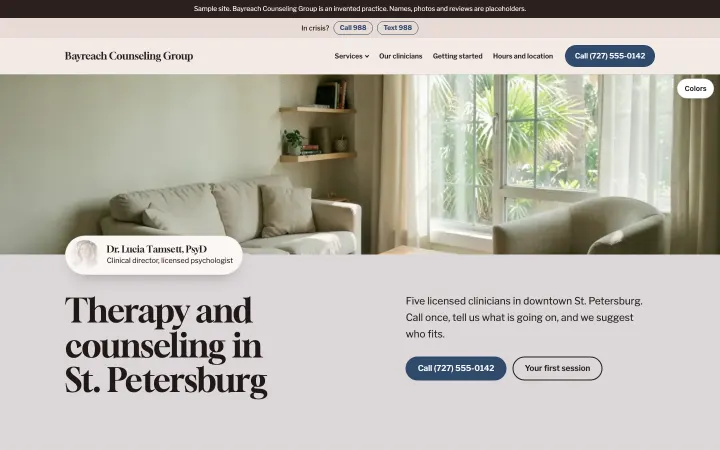
Group therapy practice
Sample practice: Bayreach Counseling Group, St. Petersburg, FLInvented for this gallery
-
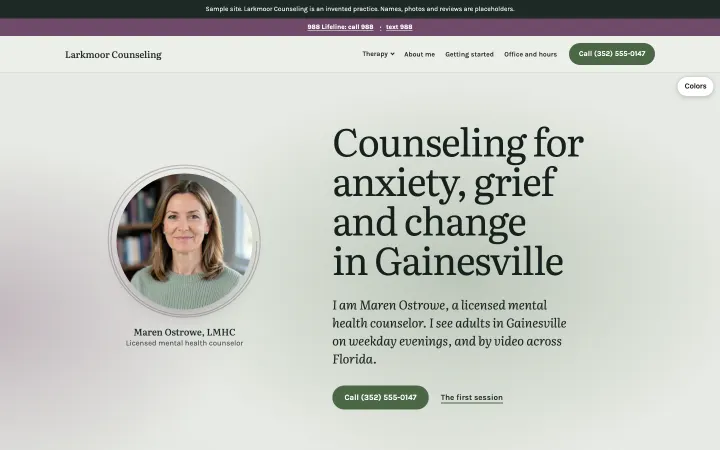
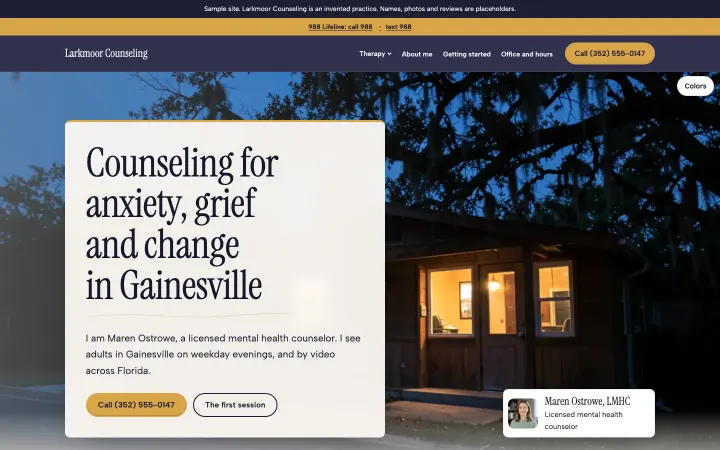
Solo therapy practice
Sample practice: Larkmoor Counseling and Wrenwick Counseling, Gainesville, FLInvented for this gallery
-
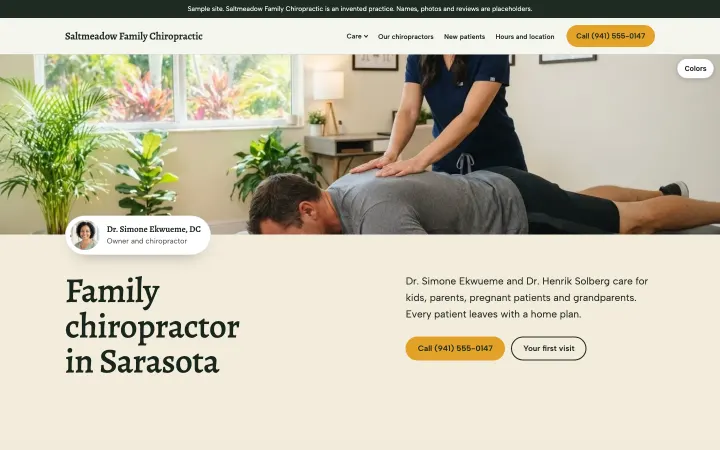
Family chiropractic
Sample practice: Saltmeadow Family Chiropractic, Sarasota, FLInvented for this gallery
-
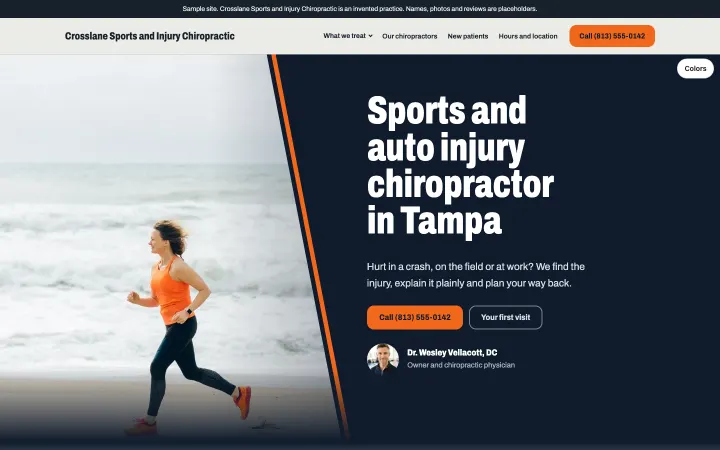
Injury and sports chiropractic
Sample practice: Crosslane Sports and Injury Chiropractic and Harlow Bend Sports and Injury Chiropractic, Tampa, FLInvented for this gallery
-
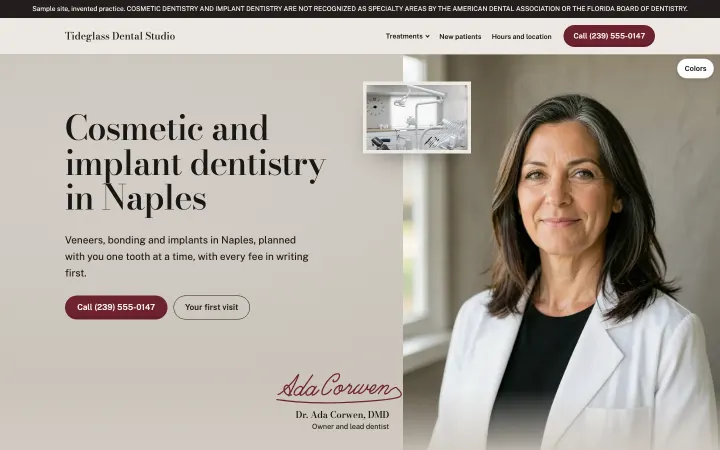
Cosmetic and implant dentistry
Sample practice: Tideglass Dental Studio and Sandmark Dental Studio, Naples, FLInvented for this gallery
-
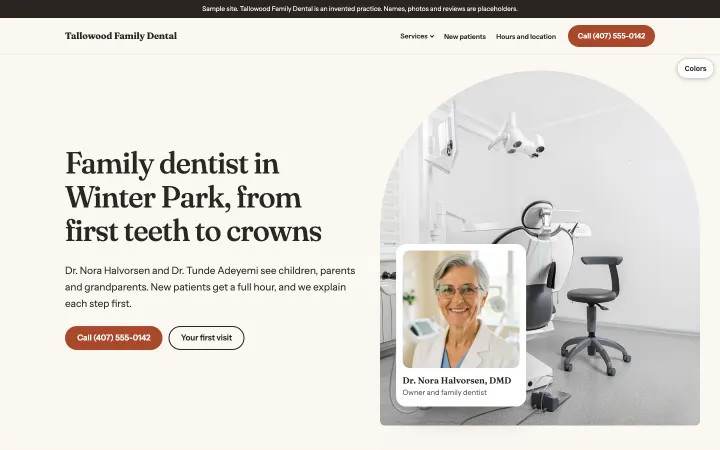
Family and general dentistry
Sample practice: Tallowood Family Dental, Winter Park, FLInvented for this gallery
-
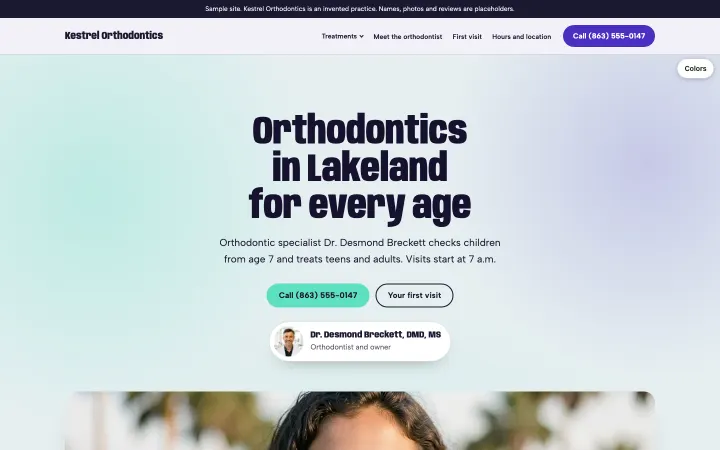
Orthodontics
Sample practice: Kestrel Orthodontics, Lakeland, FLInvented for this gallery
-
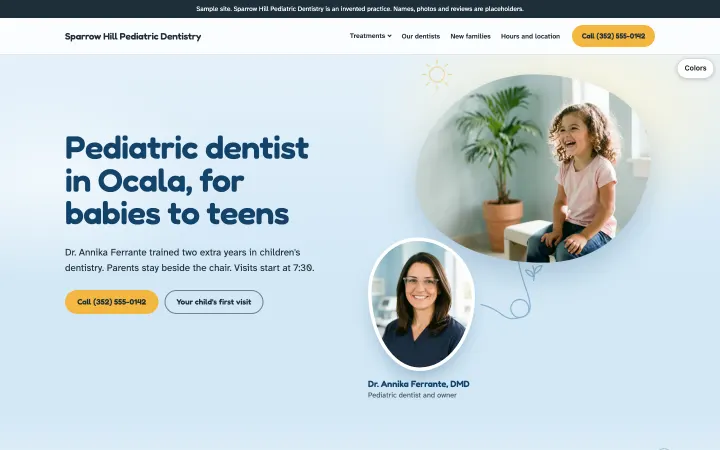
Pediatric dentistry
Sample practice: Sparrow Hill Pediatric Dentistry, Ocala, FLInvented for this gallery
-
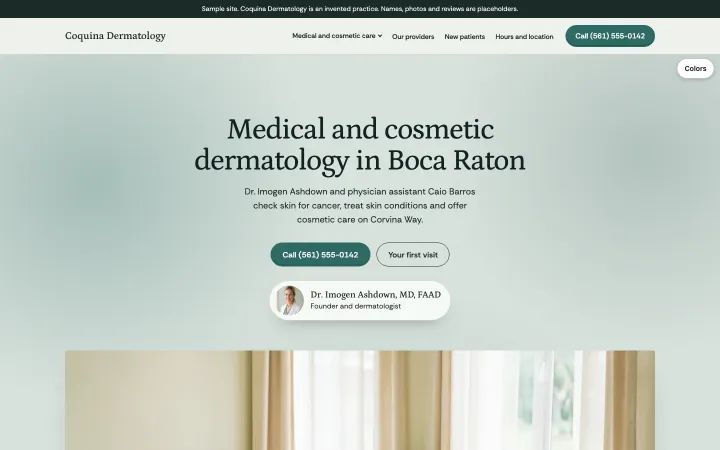
Medical and cosmetic dermatology
Sample practice: Coquina Dermatology and Saltmarsh Dermatology, Boca Raton, FLInvented for this gallery
-
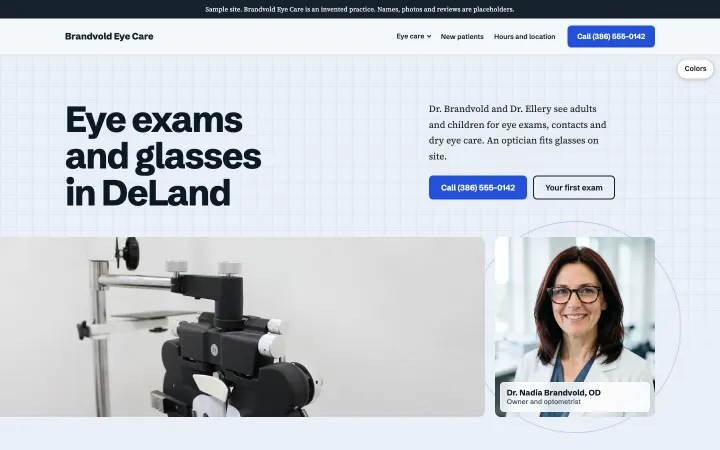
Optometry and optical
Sample practice: Brandvold Eye Care and Sablewood Eye Care, DeLand, FLInvented for this gallery
-
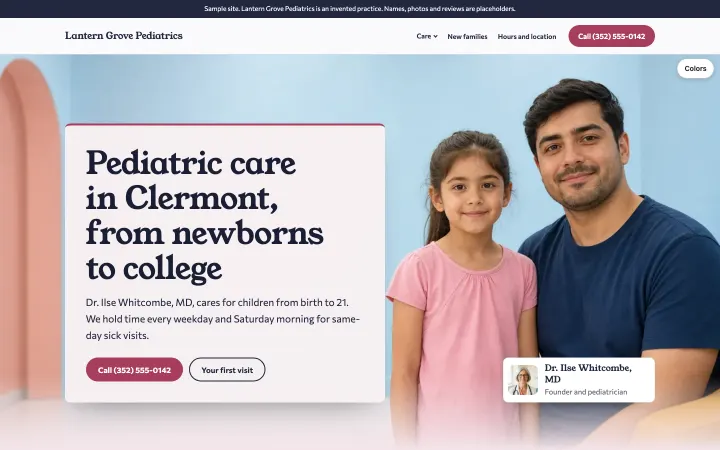
Pediatric practice
Sample practice: Lantern Grove Pediatrics, Clermont, FLInvented for this gallery
-
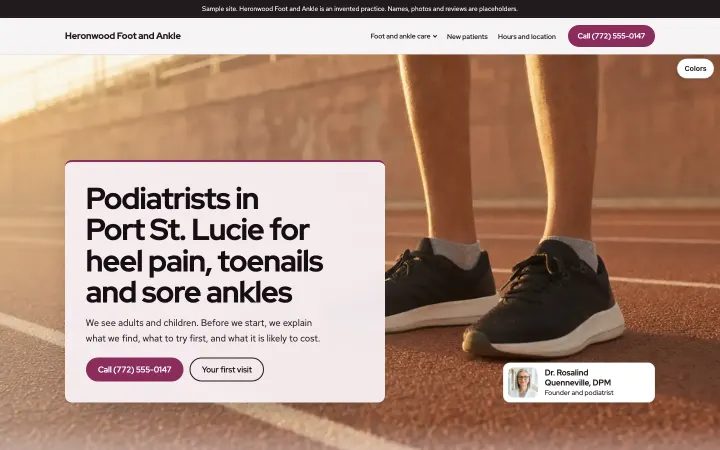
Podiatry
Sample practice: Heronwood Foot and Ankle, Port St. Lucie, FLInvented for this gallery
-
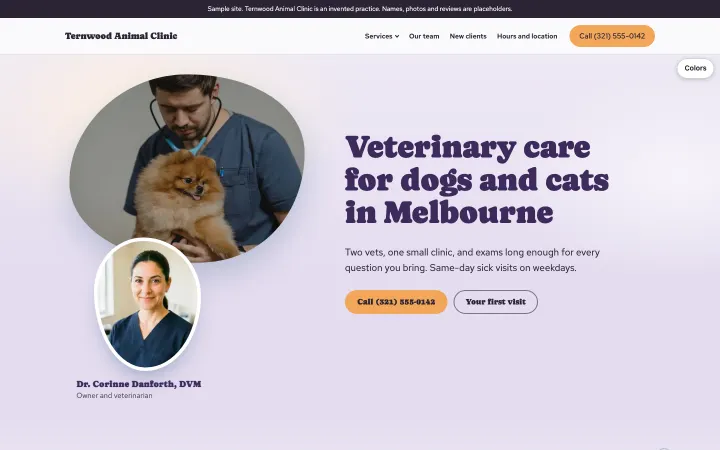
Small animal veterinary clinic
Sample practice: Ternwood Animal Clinic, Melbourne, FLInvented for this gallery